THE TOOLKIT / FROM FOOTAGE TO FIRST CUT
Find your moment. Make it yours.
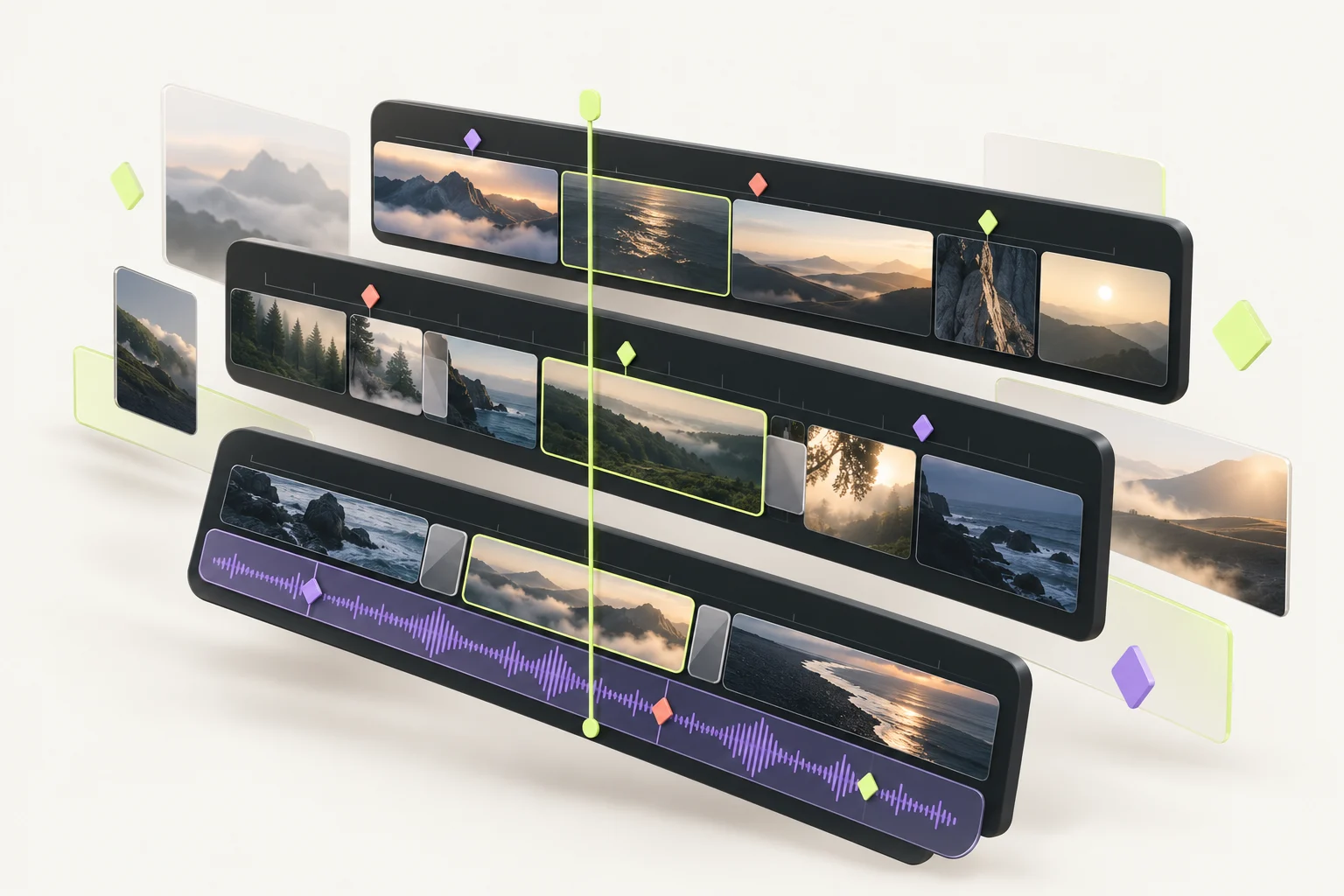
The creative part is yours. Embed helps with the hours of searching, selecting, and getting started. Here’s how the whole workflow fits together.
Try your first editOne upload. Three searches. Your first clip.
01 / BRING YOUR FOOTAGE
A home for every idea.
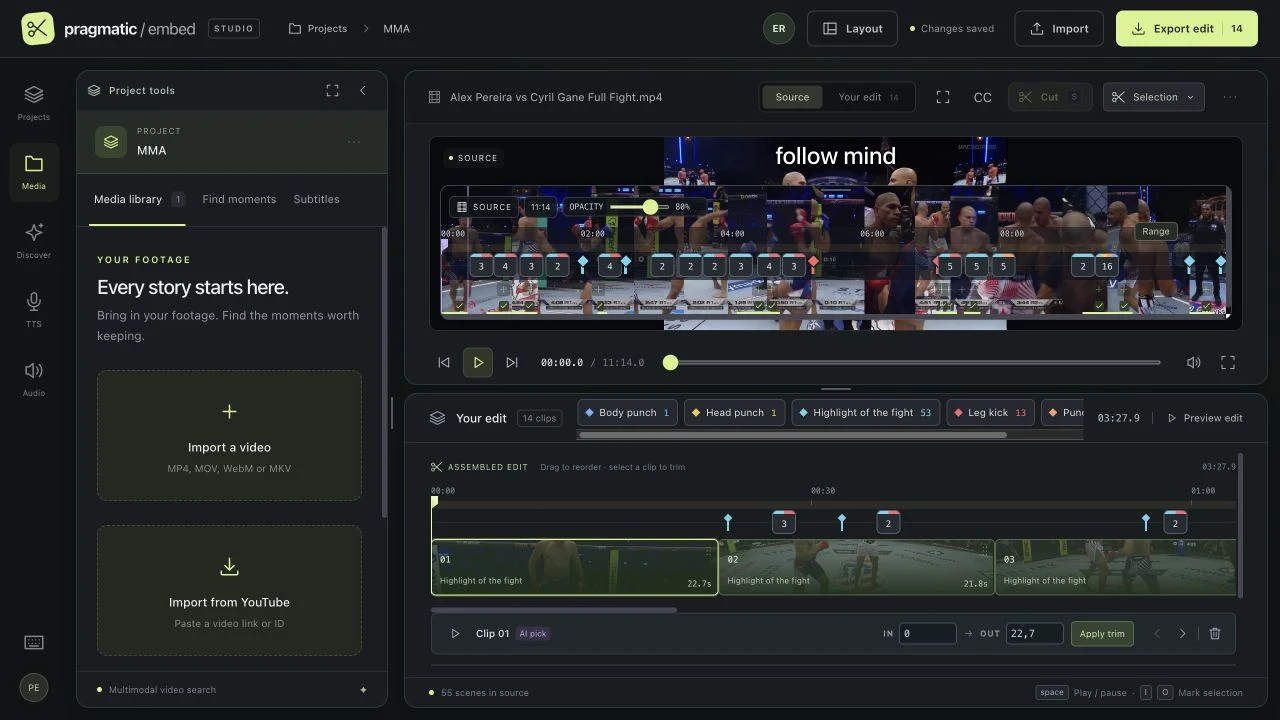
Start with a video file or a YouTube link. Keep related sources in one project, switch between them, and build your first cut without losing the bigger picture.
- One project, multiple sources
- Bring your footage together and browse it from your media library.
- Your own workspace
- Projects and files belong to your account. Pick up where you left off.
02 / FIND THE GOOD PARTS
Describe it. Find it.
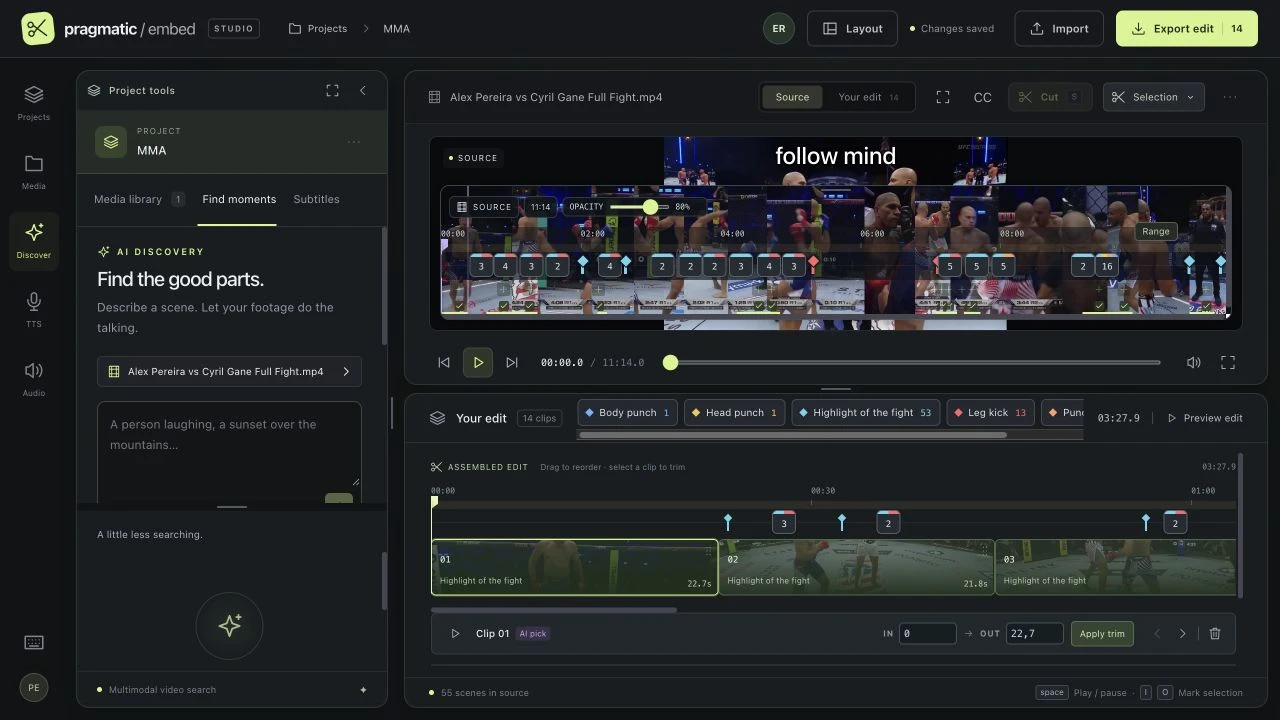
A reaction. A celebration. A close-up. Describe the moment you have in mind and semantic search ranks scenes from your footage. Preview a result before you add it.
- Search a smaller range
- Select a range on the source or edit timeline to focus your search.
- See your strongest matches
- Top results stand out in the timeline, so you can compare and choose.
03 / KEEP WHAT MATTERS
Great moments. Clearly marked.
Use SystemOne to check sampled video frames against a visual description. Save the detections as colored markers, then review the moments in context.
- Keep your discoveries
- Markers stay saved when you change the query. New detections have their own color.
- Build a selection
- Select markers together with Shift-click and navigate back to the action.
- You make the final call
- AI suggestions can miss fast action or misread a frame. Preview and verify before cutting.
04 / MAKE THE FIRST CUT
Less scrubbing. More storytelling.
Choose a range, add it to your edit, and shape the sequence. Trim, reorder, or split at the playhead. Keep the source and assembled edit within reach.
- A timeline you control
- Use I and O to mark a selection, Space to preview, and S to split a clip.
- Make room for your process
- Resize the workspace or switch layouts to give your preview and tools the space they need.
05 / SOUND & WORDS
Give your edit a voice.
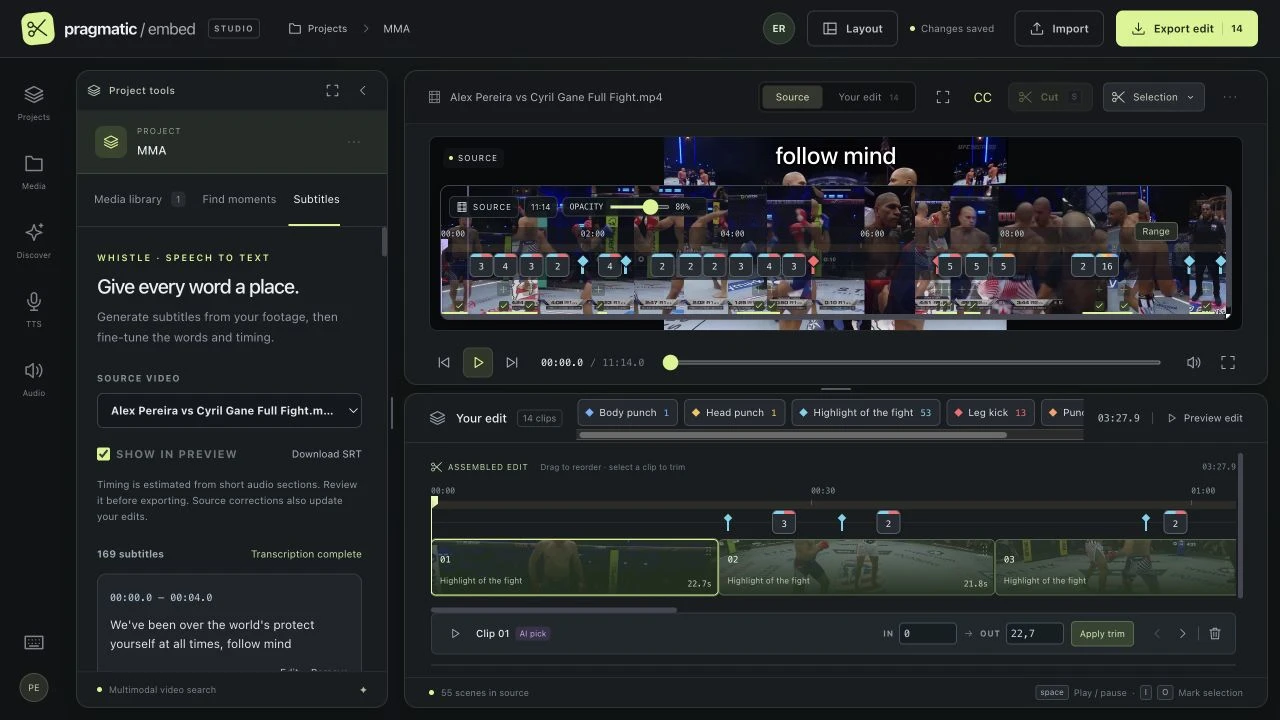
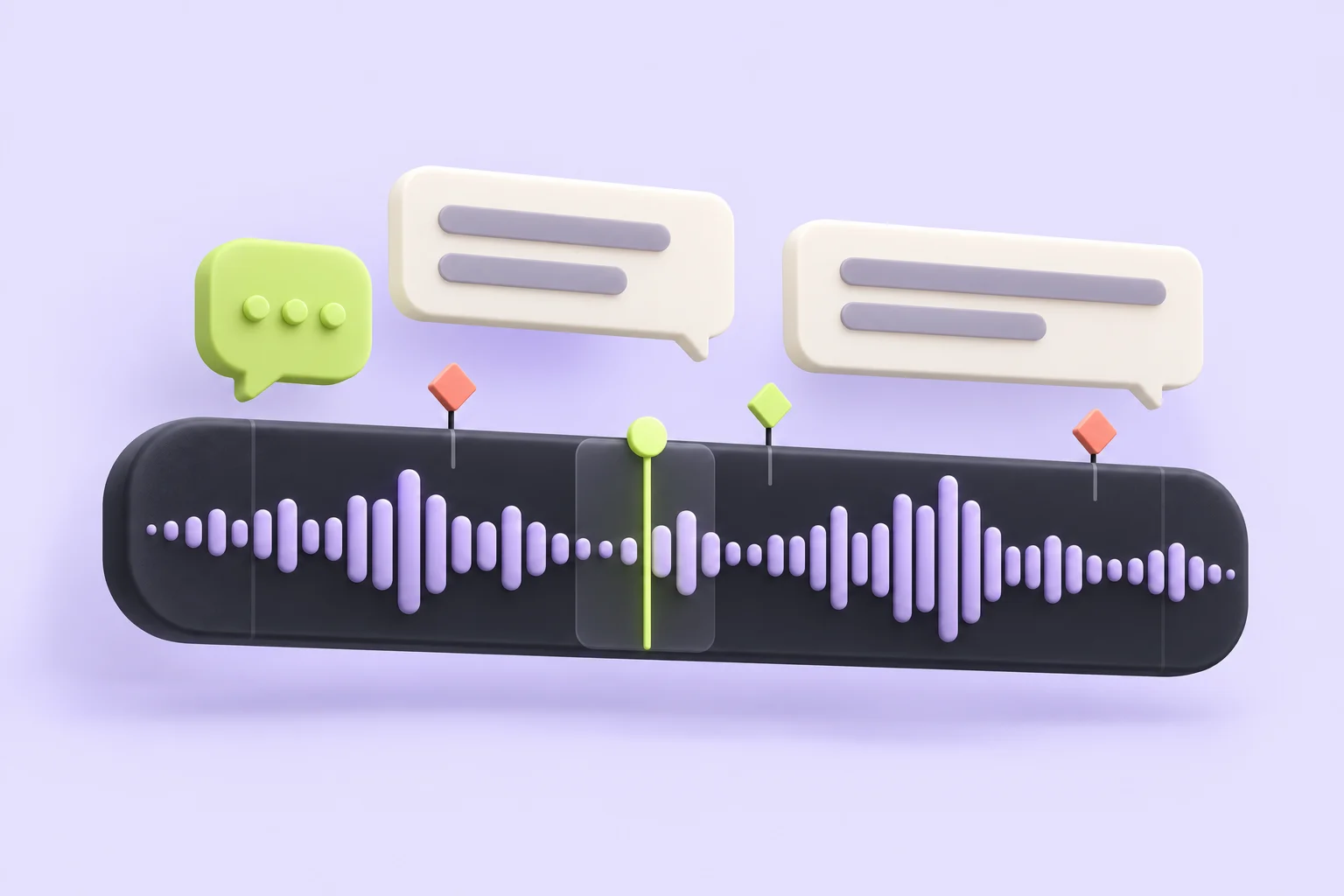
Transcribe speech into editable subtitles. Generate a voiceover from your script, save it to your audio library, then place it where the story needs it.
- Subtitles you can refine
- Review the words and timing, preview them over the video, and download an SRT file.
- Your voice library
- Save reference audio and its transcript for voice generation. Use voices you have permission to use.
- Mix your audio
- Add audio tracks, adjust their volume, and control the original video sound.
 WORDS. VOICE. YOUR OWN RHYTHM.
06 / TAKE IT FURTHER
Your next edit starts here.
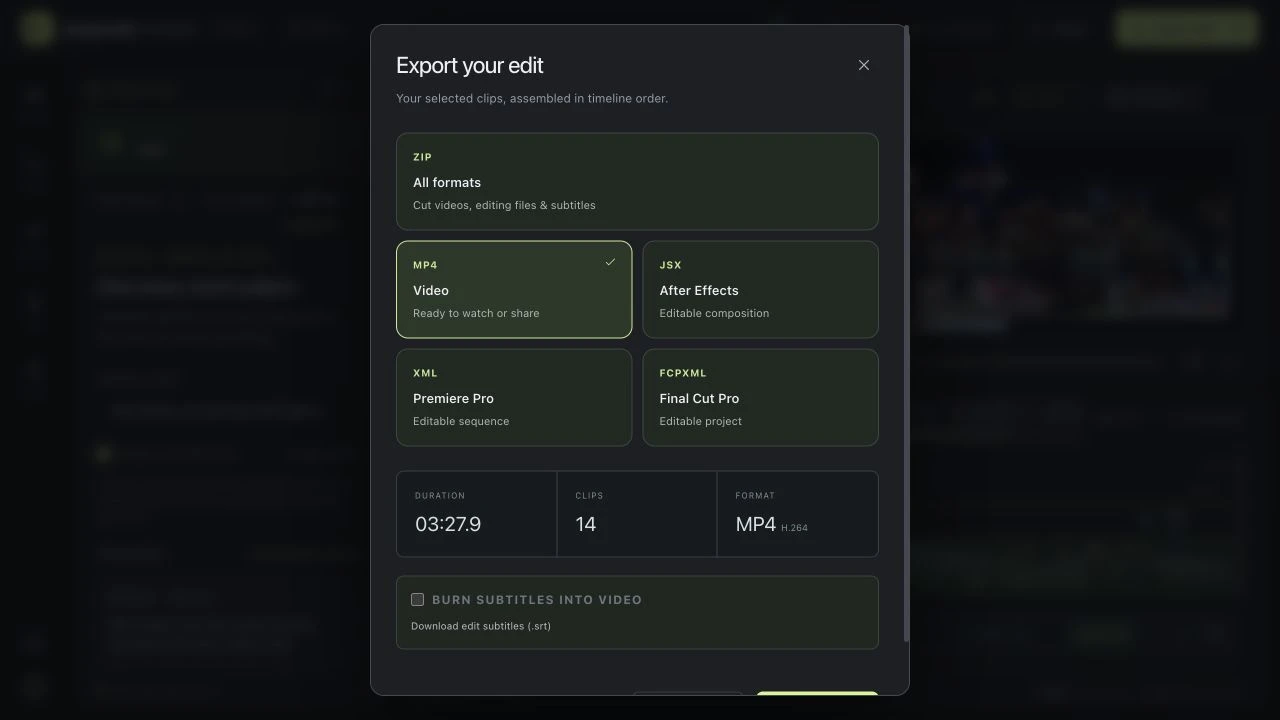
Export a watchable video or take your first cut into your favorite editing software. Your decisions travel with the project, so you can keep refining.
- Keep it editable
- Export to After Effects, Premiere Pro or Final Cut Pro. Premiere and Final Cut support are in beta.
- Pack up the whole edit
- Download a ZIP with individual cut videos, supported editing files, and subtitles when generated. Review the import in your chosen editor.
YOUR NEXT GOOD IDEA STARTS WITH A FIRST CUT
Less searching. More creating.
Try one video upload, three searches, and one clip. Create your account to get started. No card needed.
Create your free account